Publishing a great blog and leaving it sitting there by itself is a little like opening a store in the middle of nowhere and forgetting to put up a road.
People might eventually find it. Google might too. But you’re making both work harder than they need to.
That’s where SEO internal linking comes in.
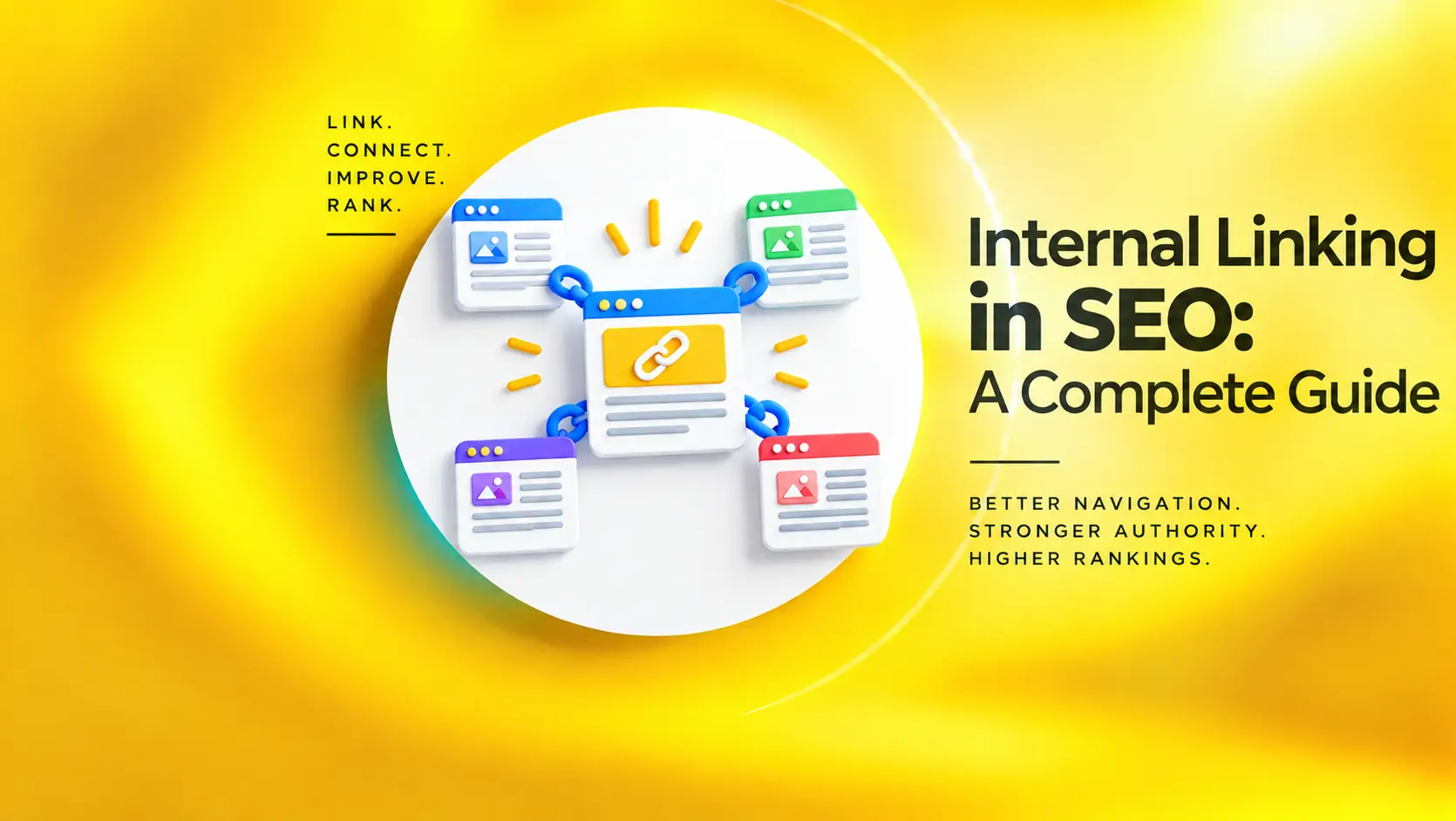
A good internal linking strategy connects related pages, helps search engines understand your website, and gives visitors an easy next step instead of sending them back to Google every time they finish reading something.
And no, it doesn’t mean stuffing links into every paragraph until your article looks like a Wikipedia page on caffeine.
Key Takeaways
- Internal links keep your website from feeling like a bunch of unrelated pages by creating clear paths between content that actually belongs together.
- A good linking strategy brings your blogs, service pages, guides, and other important content into the same conversation instead of letting them sit around doing their own thing.
- Things like natural anchor text, relevant page connections, site structure, and orphan pages can make a surprisingly big difference to how well those connections work.
- A solid internal linking audit helps clean up the mess too, from broken links and buried pages to valuable content that isn’t getting enough internal attention.
What Is Internal Linking in SEO?
An internal link is simply a link from one page on your website to another page on the same website.
That sounds almost too basic to be an SEO topic. But the interesting part isn’t the link itself. It’s why you’re creating the connection.
Say you run a digital marketing website.
You have a page about SEO services, a guide about on-page SEO, another article about technical SEO, and a blog explaining SEO audits.
Instead of treating those pages as separate pieces of content, you can connect them.
Someone reading about SEO audits might need technical SEO next. Someone reading about on-page SEO might be considering professional SEO services.
Those connections create a clearer path through your website.
Google also uses links to discover pages and understand the relationship between different pieces of content. Google describes links as a critical way its systems find new URLs across the web.
So yes, that little blue link is doing more work than it looks like.
Why Are Internal Links Important for SEO?
Let’s make this practical.
Imagine Google lands on your website and finds 200 pages. Some are connected beautifully. Others are floating around with barely any links pointing toward them.
Which pages do you think are easier to understand?
Your internal linking structure gives search engines clues about your website’s architecture, the relationships between topics, and which pages are worth exploring next.
They Help Search Engines Discover Content
Googlebot follows links. That means internal links can provide a pathway to pages that might otherwise be difficult to discover.
This becomes particularly useful when you publish new content. Don’t just hit Publish and walk away. Find a few older, relevant pages and link to the new one. You’ve just created a path to it.
They Give Context to Your Pages
Here’s something people often overlook. The words surrounding a link matter.
If you write Learn more about SEO, that’s reasonably clear, but ” Learn how to improve your on-page SEO with title tags, internal links, headings, and content optimization is much more informative.
The second version gives both the reader and search engines a better idea of what they’re going to find.
Google recommends using descriptive, concise, and relevant anchor text rather than vague phrases such as “click here.”
They Spread Authority Around Your Website
Let’s say one of your blog posts has picked up backlinks from several reputable websites. That page has earned some authority.
Relevant internal links can create pathways from that page toward other useful content on your site. This doesn’t mean you can take one popular blog and magically make every service page rank. Sadly, SEO has not unlocked that cheat code.
The destination page still needs to be genuinely useful, relevant, and technically sound. But strong internal connections can help you make better use of the authority and traffic you’ve already earned.
They Make Your Website Easier to Navigate
This part has nothing to do with algorithms. It’s simply about being helpful.
Someone finishes reading your article about PPC. They’re now wondering how to measure whether their campaigns are actually making money. If you’ve already written a useful guide about conversion tracking, why make them hunt for it? Give them the link.
That’s good UX. And good UX is rarely a bad thing.
How to Build an Internal Linking Strategy
This is where you stop randomly adding links and start thinking about the website as a system.
- Start With the Pages That Matter
Before touching your blog archive, figure out which pages actually matter to the business.
Usually, these are things like:
- Service pages
- Product pages
- Category pages
- Important landing pages
- High-value commercial content
Let’s say you want your SEO services page to receive more contextual internal links. That’s your destination. Now you can work backward. Which existing pages naturally talk about SEO? Those are your opportunities.
- Build Connections Between Related Topics
Think in clusters rather than individual posts.
For example:
SEO Services
↓
Technical SEO
↓
Website Crawlability
↓
Internal Linking
↓
SEO Audit
Those pages don’t need to link to each other five times. They simply need sensible connections.
A visitor reading about crawlability may want to understand internal links next. Someone reading about internal links might want a broader SEO audit.
That’s how a useful internal linking strategy starts taking shape.
- Stop Writing Terrible Anchor Text
Let’s retire from “Click here.” Please… Your anchor text should give people an idea of what’s waiting on the other side.
Instead of “Click here to learn more,” try “Explore our technical SEO services.” Or “Read our guide to on-page SEO techniques.”
There’s another important detail here. Don’t force the exact same keyword into every internal link. If your target page is about “SEO services,” you don’t need 50 links all saying “SEO services.”
Use natural variations where they make sense.
Google specifically recommends descriptive and relevant anchor text while warning against excessive keyword stuffing.
- Link From Pages That Already Make Sense
Here’s a simple rule:
If the link feels forced to a human reader, it probably shouldn’t be there.
You shouldn’t suddenly mention “social media marketing” in a paragraph about website crawlability just because you need another internal link.
That’s not strategy. That’s SEO panic. Look for genuine contextual opportunities instead.
An article about SEO audits can naturally link to technical SEO. A technical SEO guide can naturally link to crawlability. A page about local SEO can naturally link to Google Business Profile optimization. The connection should make sense without needing an explanation.
- Don’t Forget Your Older Content
This is one of the easiest opportunities to miss.
You publish a new article. Then you move on to the next one. Meanwhile, your website already contains 50 older articles that could naturally link to it.
Go back, find relevant pages, and add links. This is particularly useful when you’ve been publishing content for years, and your website has accumulated a serious amount of material.
Your old content isn’t dead weight. It can become your internal-linking network.
What About Orphan Pages?
Now we get to one of those wonderfully boring SEO problems that can quietly hurt a website. Orphan pages.
These are pages that don’t have meaningful internal links pointing toward them. The page exists, the URL works, the content might even be excellent, but there’s barely any pathway leading to it.
During an internal linking audit, look for important pages with few or zero internal inbound links.
Pay particular attention to:
- Service pages
- Product pages
- High-converting landing pages
- Important guides
- Recently published content
If a page matters to the business, it shouldn’t be hiding in the basement.
How Many Internal Links Should You Add?
Here’s the answer people usually don’t want:
There isn’t a magic number. You won’t find an SEO fairy handing out rankings because you added exactly seven links to your blog. The right number depends on the page.
A 500-word article covering one narrow topic probably doesn’t need dozens of contextual links. A 3,000-word pillar guide covering an entire subject might naturally contain many more.
The important question isn’t “Did I add enough links?” Ask, “Did I connect this page to the other pages a reader would genuinely find useful?”
That’s a much better benchmark.
For context, the 2025 HTTP Archive Web Almanac found a median of 43 internal links on desktop pages and 39 on mobile. But that includes sitewide links such as navigation and other elements, so it shouldn’t be interpreted as a recommended number of contextual links per article.
In other words, don’t take that number and start adding 43 links to your next blog.
Internal Linking Mistakes That Keep Showing Up
Linking for the sake of linking
Every link should have a reason. If there isn’t one, leave it out.
Using the same anchor everywhere
Exact-match anchor repetition can make your content feel unnatural. Write for humans first.
Ignoring important pages
If your homepage and five random blogs have dozens of internal links but your highest-value service page has three, something is off.
Linking to irrelevant content
Just because two pages share the word “marketing” doesn’t mean they belong together.
Context matters.
Leaving broken links behind
A page gets deleted. Someone forgets about the links pointing to it.
Suddenly you’ve got a bunch of tiny dead ends scattered across the website. During an audit, check for broken internal links, unnecessary redirects, and outdated destinations.
A Simple Internal Linking Audit You Can Actually Do
You don’t need to spend three weeks staring at a spreadsheet. Start with a crawl using a tool such as Screaming Frog, Semrush, or Ahrefs. Then look for these things:
- Find your important pages
Identify the pages that drive leads, sales, or meaningful organic traffic.
- Check internal inbound links.
See how many relevant pages point toward them.
- Find orphan pages.
Look for valuable URLs with little or no internal linking support.
- Check click depth.
Pages buried unnecessarily deep in your site’s architecture deserve a closer look.
- Review anchor text.
Replace vague anchors with descriptive, natural language where appropriate.
- Look for linking opportunities.
Search older content for places where newer or commercially important pages could be linked naturally.
- Clean up broken links.
Fix 404s, outdated URLs, and unnecessary redirect chains.
That’s already enough to uncover some useful opportunities.
Final Thoughts
Internal linking isn’t the most eye-appealing part of SEO. There are no flashy screenshots. No “we increased traffic by 347%” headline. No dramatic before-and-after graph. It’s mostly about making your website make sense.
Your pages should connect. Your important content should be discoverable. Your visitors should have somewhere useful to go next. And Google should be able to understand how all those pages fit together.
That’s the real job of SEO internal linking.
Don’t think of internal links as little SEO votes you sprinkle across your website. Think of them as roads.
Build the right roads between the right pages, and your entire website becomes easier to explore, easier to understand, and much easier to manage.
That’s a linking strategy worth having.
At Xparro, we look at internal linking as part of the bigger SEO picture—not as a box to tick during content publishing. The goal is to connect search intent, content, and commercial pages in a way that makes sense for both users and search engines.
Because good SEO isn’t just about creating more pages, it’s about making the pages you already have work together.