You publish a blog post, share it on social media, and wait for Google to do its thing. A week passes. Then another. The traffic barely moves.
Before you start rewriting the entire article, check the page itself. Maybe the title doesn’t match what people are searching for. Maybe Google can’t index the URL. Or perhaps the article answers a question nobody was asking in the first place.
These problems are easy to overlook when you’re busy creating content. An on-page SEO checklist gives you a way to catch them before they pile up.
Here’s what I’d look at first.
The Basics You Should Check First
If you’re about to publish a page, make sure you’ve covered these five things:
- The page targets a relevant keyword and matches the search intent.
- The title, description, and headings accurately describe the content.
- The article offers useful information instead of repeating what every other website says.
- Google can access the page, and its important content can be indexed.
- Visitors can navigate the page easily and find a relevant next step.
That covers the foundation. Now for the things that tend to get missed.
20 Things to Check on Your Page
- Search the Keyword Before You Write
Don’t start an article without looking at the search results first. It takes a few minutes and can save you from writing the wrong kind of page.
Take “best payroll software for small businesses,” for example. Someone searching that phrase probably wants to compare products. A long explanation of how payroll works won’t satisfy the same need.
Look at the results for your primary keyword. Notice the types of pages ranking, the questions they answer, and anything useful they’re missing. Build your content around the actual search, not just the phrase itself.
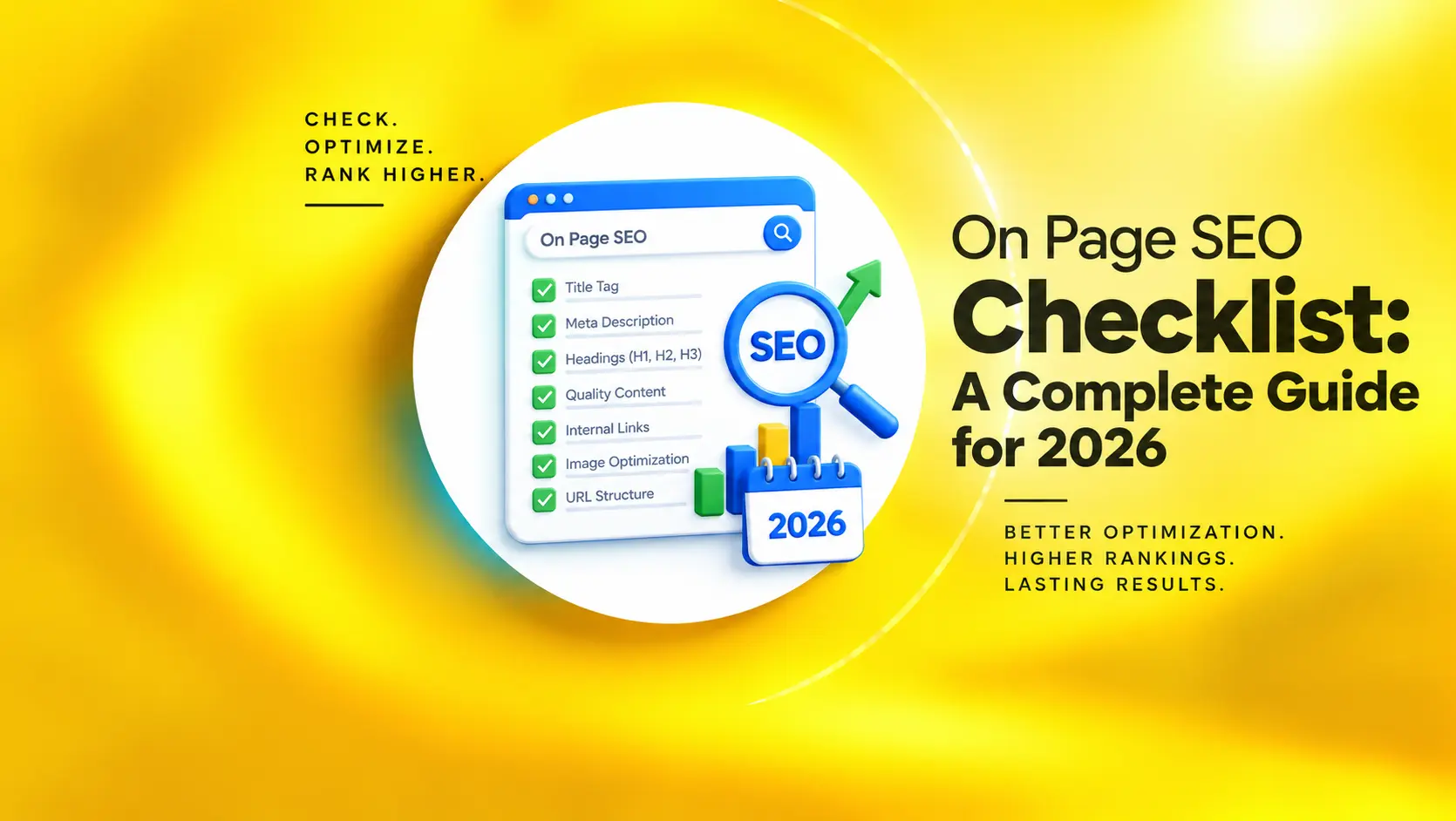
- Rethink Your Title Tag
A title like “Everything You Need to Know About Digital Marketing” doesn’t tell readers much. It could describe a hundred different articles.
Be specific. If the page is a practical guide, say so. Include the primary keyword naturally, but don’t force it into a sentence that sounds awkward. For this article, “On-Page SEO Checklist: What to Fix Before Publishing” tells readers exactly what to expect.
Google may rewrite your title in search results, so there’s no need to obsess over an exact character count. Make the wording clear and put the important information near the beginning.
3.Don’t Leave the Meta Description Blank
Google doesn’t always use the meta description you provide. It may generate a snippet from the page instead, depending on the search.
Still, writing a useful description is worthwhile. Give readers a quick idea of what they’ll find and why the page might help them. For example: “Review your titles, content, internal links, and technical SEO before publishing. Use this checklist to spot common website issues.”
Around 150 characters is a useful starting point, not a hard rule. Write something relevant to the actual page.
4.Make Your Headings Useful
Open a page with a wall of text and try finding one specific answer. Not fun, right?
Headings make that job easier. Use an H1 for the main topic, H2s for major sections, and H3s where you need to break down a section further. You don’t need to put a keyword in every heading. A heading should tell readers what comes next. That’s its job.
5.Clean Up the URL
Compare these two URLs:
/blog/post?id=58391
/blog/on-page-seo-checklist/
The second is easier to understand at a glance. Keep URLs descriptive and avoid unnecessary words or parameters when you can.
Already have a URL that’s indexed and performing well? Leave it alone unless there’s a good reason to change it. If you do change it, set up an appropriate permanent redirect.
6.Get to the Point Earlier
People don’t visit a page because they want to admire its introduction.
If someone searches for an SEO checklist, show them what needs checking. A short introduction is enough to explain the problem and set expectations.
You can add background later, where it actually helps. There’s no prize for making readers scroll through half the article to find the answer.
7.Give Readers Something They Can’t Get Everywhere Else
Search the topic you’re writing about. Chances are, several websites have already covered it. That doesn’t mean you shouldn’t write about it. It means you need a reason for someone to read your version.
Use a real example. Explain a confusing technical issue in plain English. Include original research if you have it, or answer a question competing articles have overlooked.
Google’s guidance on helpful, reliable content is a useful reference here. There’s no prescribed word count that guarantees rankings.
8.Use Related Keywords Where They Belong
For an article, the secondary keywords may include “SEO checklist for blog posts,” “on-page SEO audit checklist,” and “list of on-page SEO activities.”
They don’t all need to appear in the introduction. Use them in the sections where they make sense, and cover related questions naturally.
If you’ve read a sentence aloud and it sounds like a search query wearing a disguise, rewrite it.
9.Add Internal Links
Your blog about SEO might mention technical audits, keyword research, or website design. If you already have useful pages on those subjects, link to them.
Internal links help readers discover related information and help search engines find other pages on your site.
Use anchor text that describes the destination. Check that the link works, too. A broken link is a small problem until it’s pointing visitors toward the service page you wanted them to see.
10.Check Where Your Statistics Come From
Numbers make an article look convincing. That doesn’t mean every statistic deserves to be there.
If you mention an industry benchmark, link to the original report or a reliable source. Official documentation is especially useful for technical recommendations that may change over time.
Don’t have a credible source? Remove the number or explain the point without it. Guessing isn’t research.
11.Use Related Keywords Where They Belong
For an article, the secondary keywords may include “SEO checklist for blog posts,” “on-page SEO audit checklist,” and “list of on-page SEO activities.”
They don’t all need to appear in the introduction. Use them in the sections where they make sense, and cover related questions naturally.
If you’ve read a sentence aloud and it sounds like a search query wearing a disguise, rewrite it.
12.Add Internal Links
Your blog about SEO might mention technical audits, keyword research, or website design. If you already have useful pages on those subjects, link to them.
Internal links help readers discover related information and help search engines find other pages on your site.
Use anchor text that describes the destination. Check that the link works, too. A broken link is a small problem until it’s pointing visitors toward the service page you wanted them to see.
13.Check Where Your Statistics Come From
Numbers make an article look convincing. That doesn’t mean every statistic deserves to be there.
If you mention an industry benchmark, link to the original report or a reliable source. Official documentation is especially useful for technical recommendations that may change over time.
Don’t have a credible source? Remove the number or explain the point without it. Guessing isn’t research.
14.Make Sure Google Can Index the Page
This is one of the first things you should check when an important page isn’t appearing in search.
Look for an accidental noindex directive, a canonical pointing to the wrong URL, or a technical issue that prevents Google from accessing the content.
Google Search Console’s URL Inspection tool can help you investigate. It shows information about Google’s ability to access and index a URL. Keep in mind that indexability doesn’t guarantee a page will rank or even be indexed.
15. Check Your Core Web Vitals
A page can contain excellent information and still be frustrating to use. Slow loading, delayed responses, and content that jumps around are worth investigating.
Google’s recommended Core Web Vitals targets are:
| Metric | Good target |
| Largest Contentful Paint (LCP) | 2.5 seconds or less |
| Interaction to Next Paint (INP) | 200 milliseconds or less |
| Cumulative Layout Shift (CLS) | 0.1 or less |
These thresholds are measured at the 75th percentile of page visits. You can check your site with PageSpeed Insights and read Google’s Core Web Vitals documentation.
Start with the issues affecting real users. A perfect score isn’t the goal.
16.Open the Page on Your Phone
Don’t assume the mobile version works because the desktop version looks fine.
Read the content, open the menu, tap the buttons, and try any forms. Look for text that’s difficult to read or important information that’s missing.
Google primarily uses the mobile version of a website’s content for indexing. Make sure the information you want search engines to find is available on mobile, too.
17. Tell Readers Who Wrote the Content
If your article offers professional advice, readers may want to know who’s providing it.
Include accurate author information, relevant qualifications where applicable, and links to your editorial policies when useful. Make your business information easy to find.
These details help readers assess credibility. They’re not a shortcut to higher rankings, and there’s no reason to make claims you can’t substantiate.
18.Give the Reader a Next Step
Not every visitor is ready to buy something. Some are researching a problem; others are comparing providers.
Think about what makes sense for that particular page. A blog post might link to a related guide. A service page could invite visitors to request a quote.
The CTA should follow naturally from the content. If someone has just learned what on-page SEO is, immediately pushing a sales call may be a bit much.
19.Check Links and Old Information
Before publishing, click the important links and make sure they lead to the right places.
Check statistics, product information, references, and claims that might have changed. If you’re updating an older post, don’t just change its date and call it refreshed.
A meaningful update should improve the page. Sometimes that’s a new section; sometimes it’s correcting information that no longer holds up.
20.Watch What Happens After Publication
Once the page is live, use Google Search Console to see whether it’s getting impressions and clicks. Look at CTR and average position alongside the queries that bring people to the page.
Use an analytics platform to see whether visitors take meaningful actions after arriving.
Give changes time to show results. Google says search changes can take anywhere from hours to several months to be reflected. Check the trend before deciding that an update has failed.
Final Thoughts
A list of on-page SEO activities is useful because it gives you somewhere to start when a page isn’t performing as expected. It won’t fix a weak content strategy on its own, but it can help you find problems that are otherwise easy to miss.
Pick a few important pages, work through the checks, and deal with the biggest issues first. Then look at the results before making another round of changes.
If you’re not sure what’s holding your website back, Xparro can help you identify on-page SEO issues and prioritize improvements that support your search visibility and business goals.